
Download Orbix.
The AI agent for your Mac. Free, and it works with the AI you already use.
Version 0.1 · 5.6 MB · macOS 26 or later · Apple silicon and Intel
Up and running
in a minute.
Step 1
Download and unzip.
Open Orbix-0.1.zip and drag Orbix into your Applications folder.
Step 2
Open it.
If macOS says it can't check the app, open System Settings → Privacy & Security and click Open Anyway.
Step 3
Connect your AI.
Install Claude Code and run claude once to sign in — or choose another engine in Settings.
Step 4
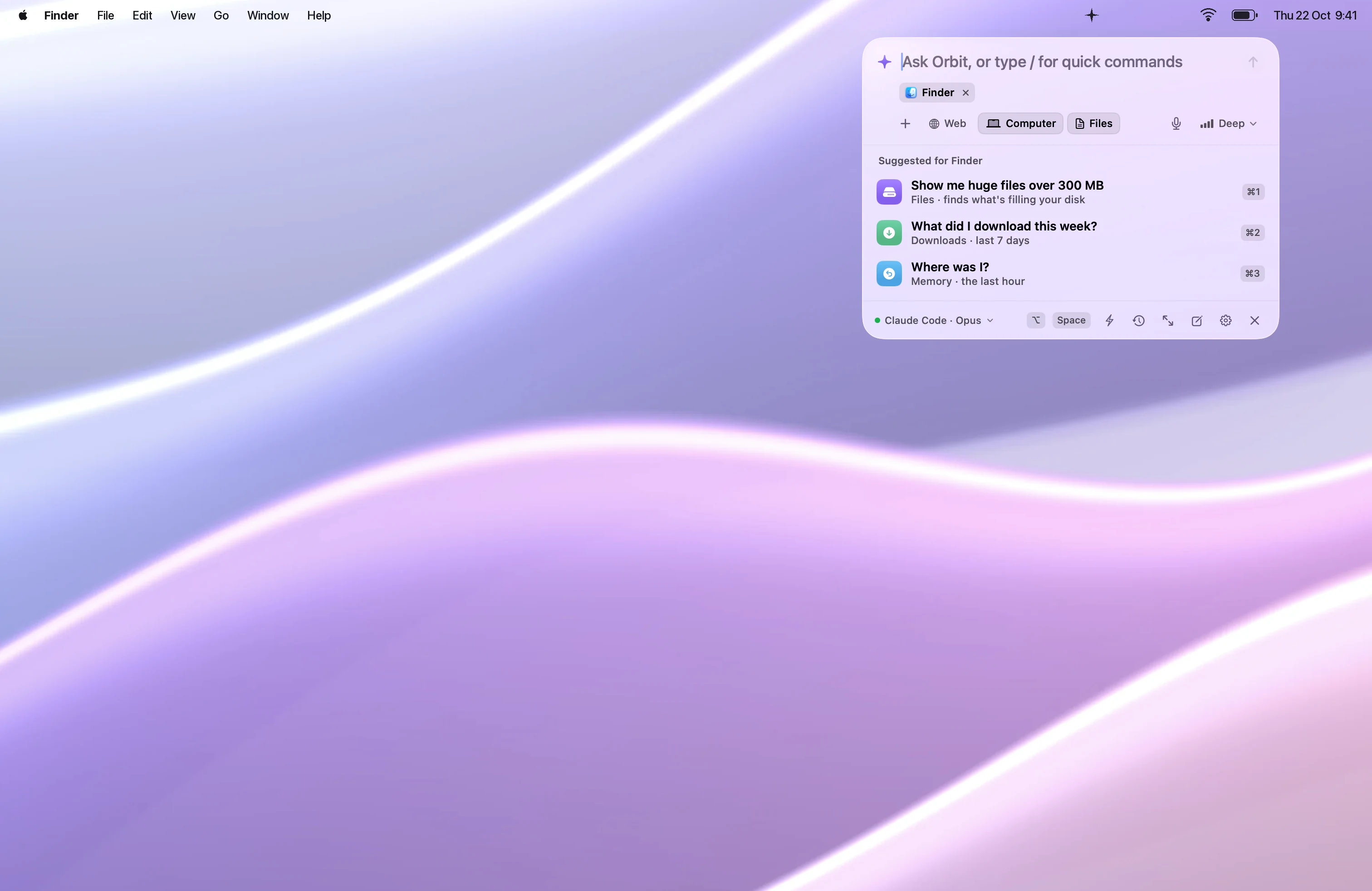
Press ⌥ Space.
Ask for anything. Allow memory and screen permissions from the card in the panel whenever you're ready.
Then press ⌥Space anywhere. Take the five-minute tour